Sales taxes
Who: an Admin. When: before the first sale, and whenever a tax rate changes.
Quick version
Setup › Sales taxes › Add sales tax › name and rate › then set it as the outlet's default.
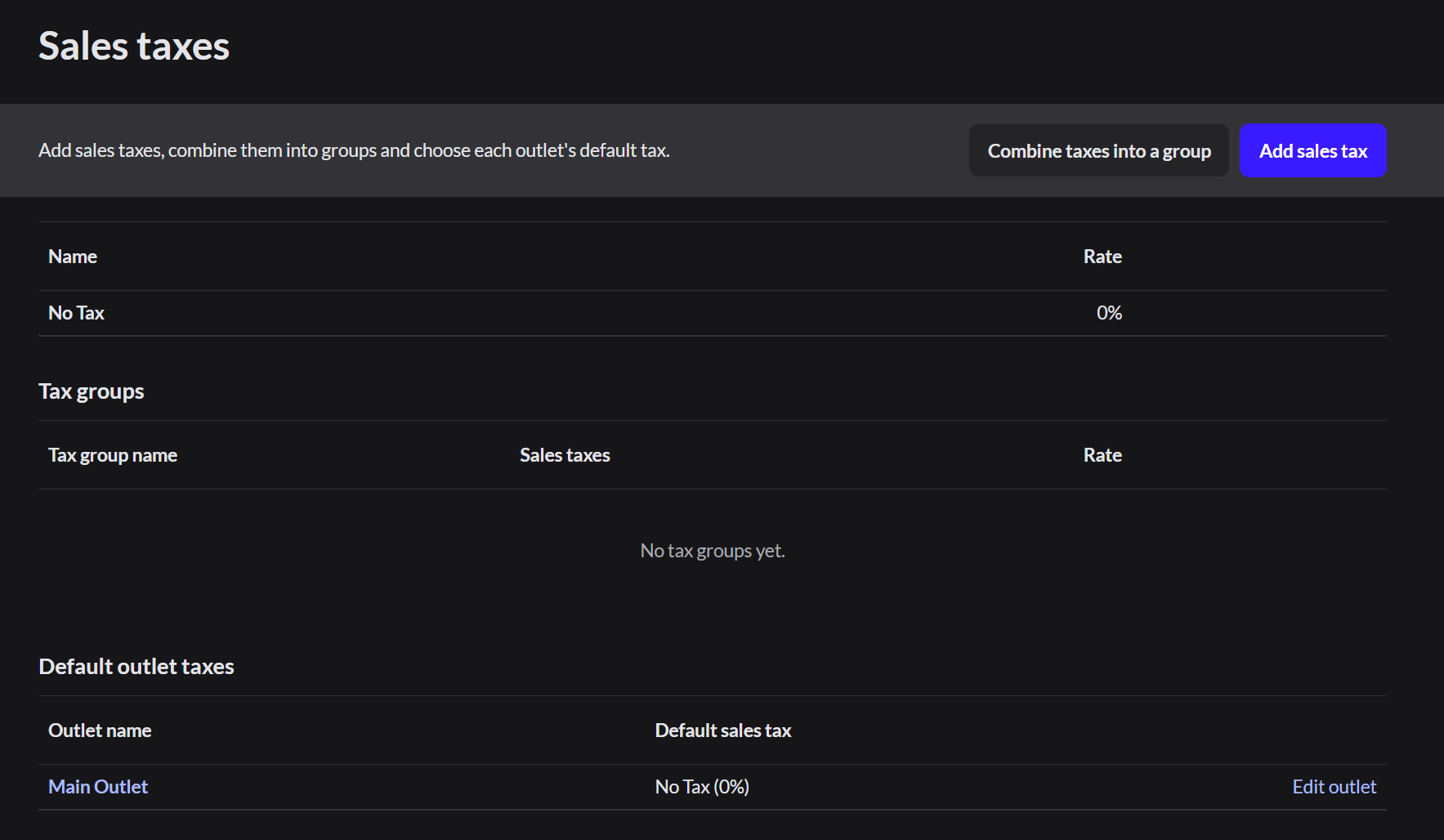
The page has three parts: the list of taxes, tax groups, and the default tax for each outlet.
Add a sales tax
- Go to Setup › Sales taxes and click Add sales tax.
- Type the Tax name, such as State sales tax.
- Type the Tax rate (%).
- Click Add sales tax.
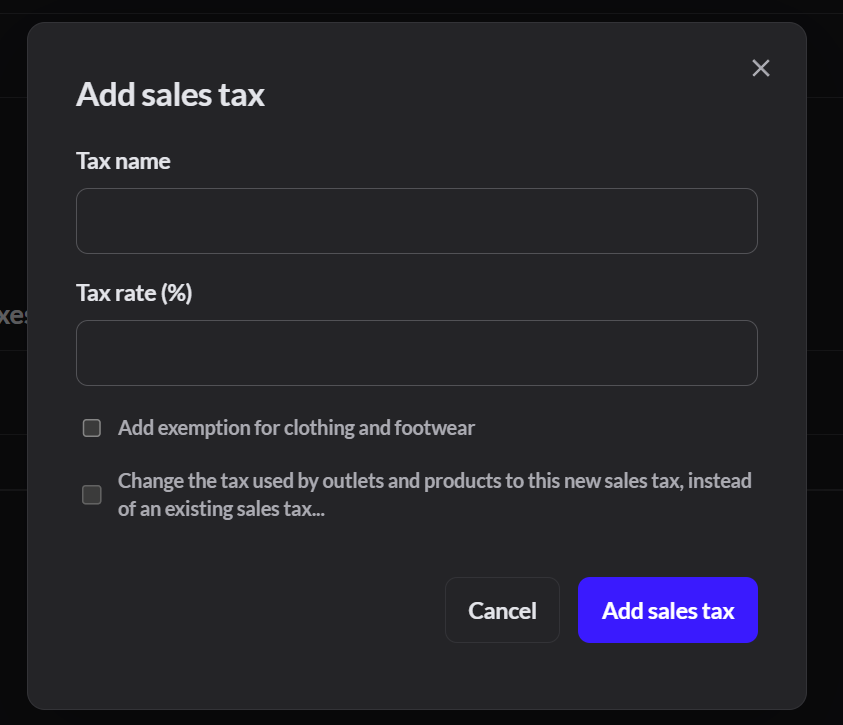
You can't edit a tax rate. To change a rate, add a new tax, select Change the tax used by outlets and products to this new sales tax, and choose the old tax under Replace.
Combine taxes
If a sale is charged more than one tax, such as state and city, click Combine taxes into a group. Then pick the taxes. The group is charged as one tax.
Set an outlet's default tax
Under Default outlet taxes, click Edit outlet next to the outlet and choose its tax. Every product uses the outlet's default unless you set a different tax on that product.
Whether prices include tax is set by Tax exclusive display prices in Setup › General. It locks once the store has sales.