Payment types
Who: an Admin. When: deciding how customers can pay.
Go to Setup › Payment types.
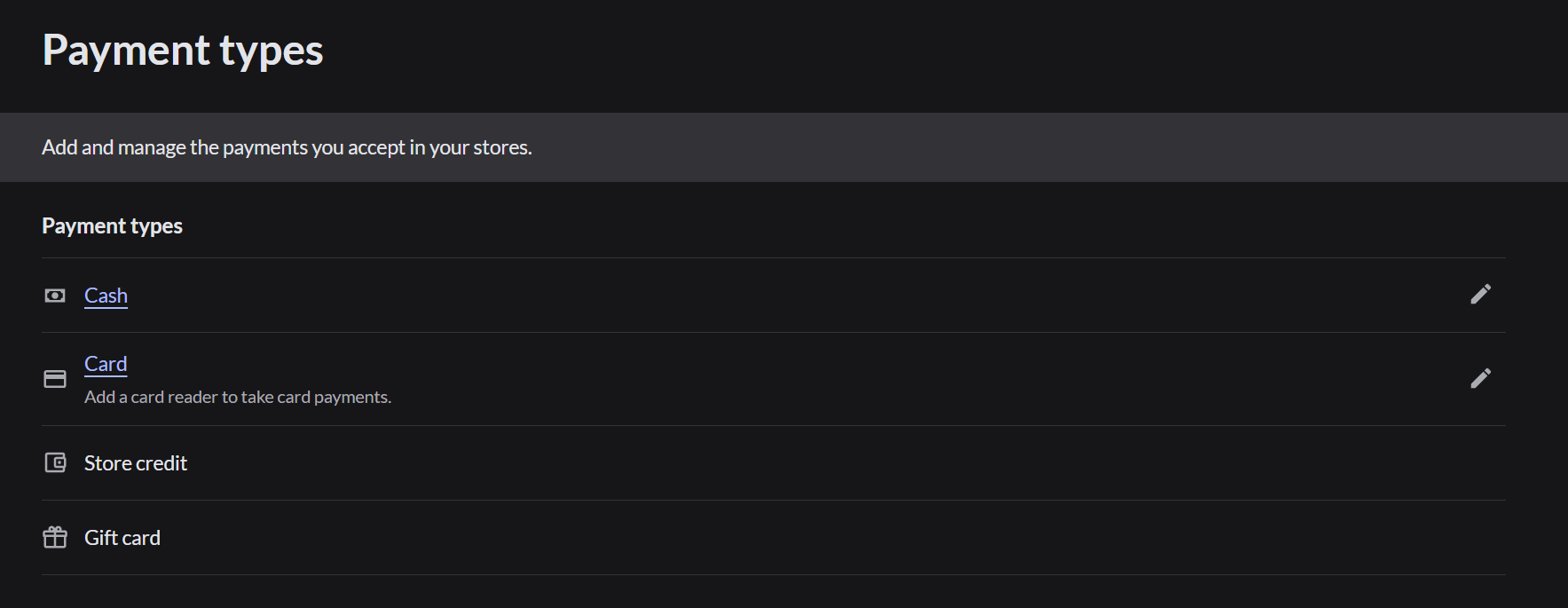
| Payment type | When it shows on the Pay screen |
|---|---|
| Cash | Always |
| Card | Only on a register that has a card reader connected |
| Gift card | Retail only |
| Store credit | Retail only, when a customer with store credit is added to the sale |
Change a payment type
Click the pencil next to Cash or Card to change its settings.
If Card is missing on the Pay screen, the register has no card reader. How to connect a card reader