Void a sent item
Who: server, if their role allows it, or manager. When: an item already sent to the kitchen has to come off the order.
Quick version
Open the order › … next to the item › Void line › pick a reason › Void item(s).
1. Open the item
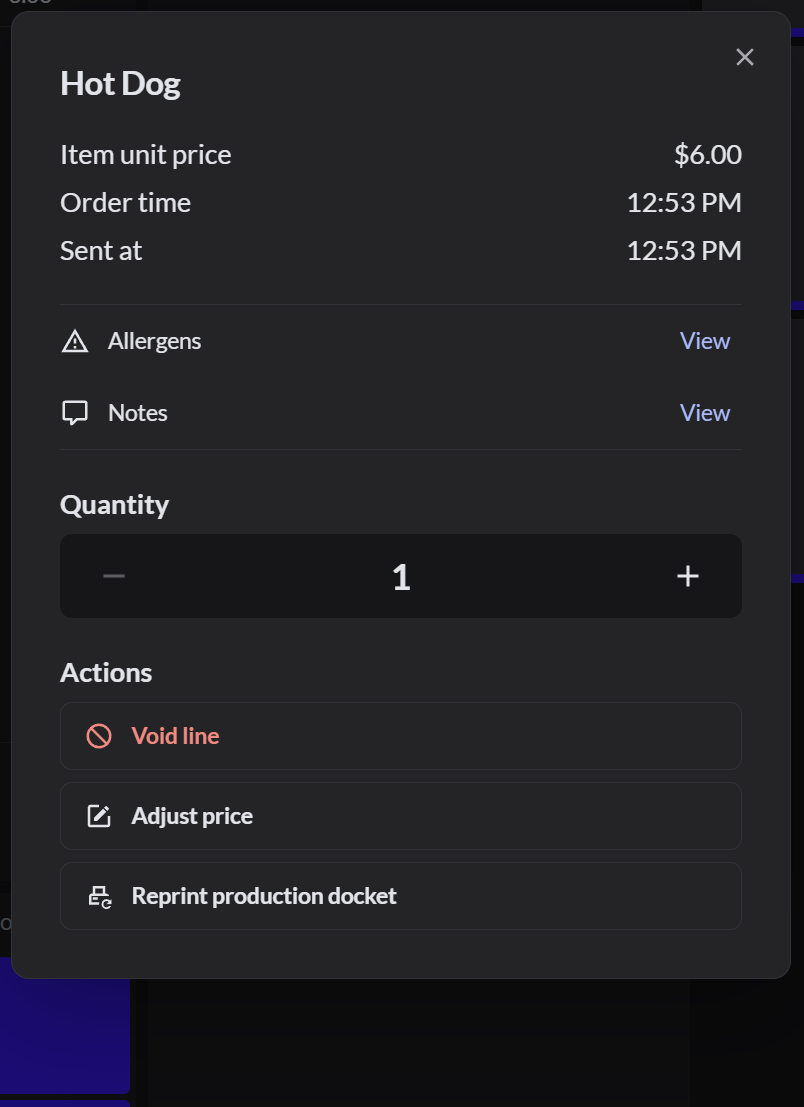
Open the table's order and click the … next to the item.
2. Void it
Click Void line, pick the reason, then click Void item(s).
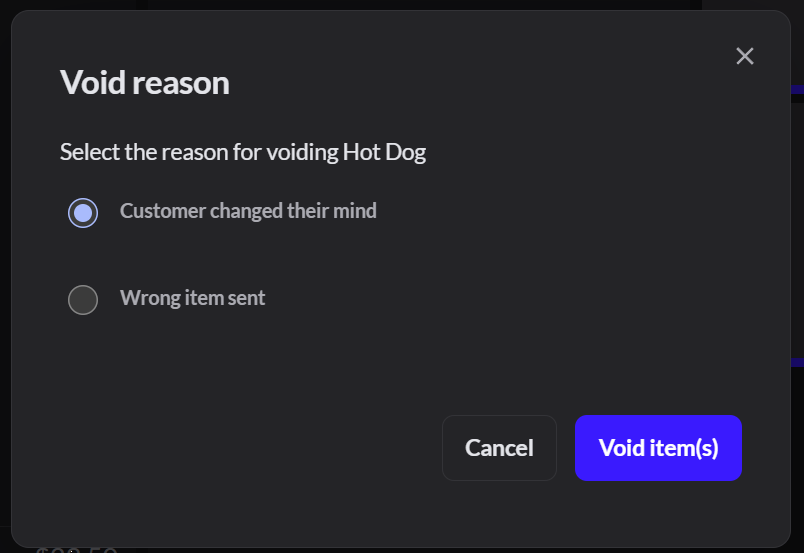
Whether the item goes back into stock depends on the reason you pick.
You can't void an item that's already paid. Refund it instead. How to refund a restaurant order
3. Check the order
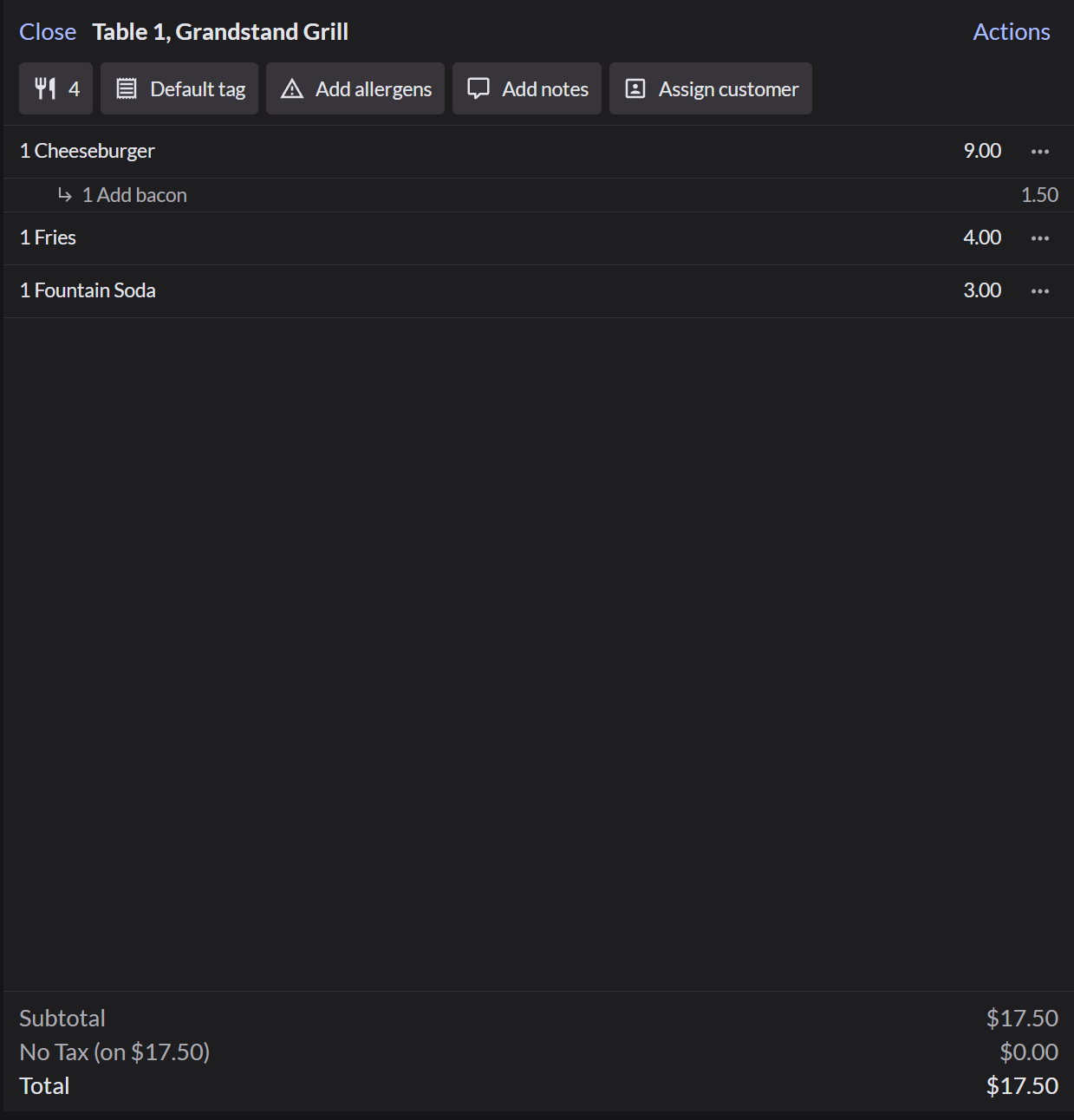
The item is removed from the order, and the total goes down.
If it doesn't work
- "No void reasons yet": an Admin has to add reasons.Refund and void reasons
- "Your role does not allow: Line voids": ask a manager to void it.