Retail and Restaurant
Who: everyone.
The POS has two modes. The switch is at the top of the screen.
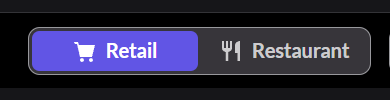
| Mode | Use it for |
|---|---|
| Retail | Selling products over the counter: tickets, merchandise, bottled drinks |
| Restaurant | Food orders: tables, orders sent to the kitchen, checks |
- Finish or park the sale you're on.
- Click Retail or Restaurant at the top.
The menu on the left changes with the mode. If a page is missing, check which mode you're in.
If there's no switch
The switch only shows when the register sells both Retail and Restaurant, and your role allows both. Ask an Admin. Admins: How to let a register sell Restaurant