Cancel a sale or order
Who: cashier or server. When: the customer changes their mind before paying.
This page is for a sale that isn't paid yet. To cancel a sale that's already paid, you can refund a sale, or a manager can void a sale.Refund a saleVoid a sale
Quick version
Retail: More actions… › Discard sale › Discard sale. Restaurant: Actions › Clear unsent items, Cancel order or Void order.
Cancel a retail sale
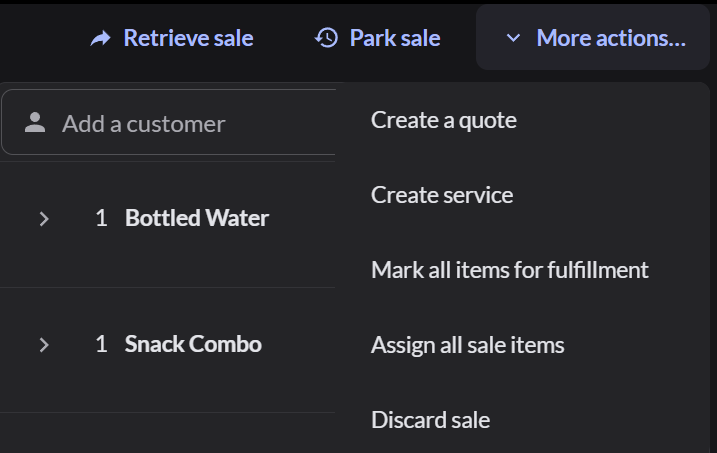
- On Sell, click More actions… at the top right.
- Click Discard sale.
- Click Discard sale to confirm. The sale is cleared.
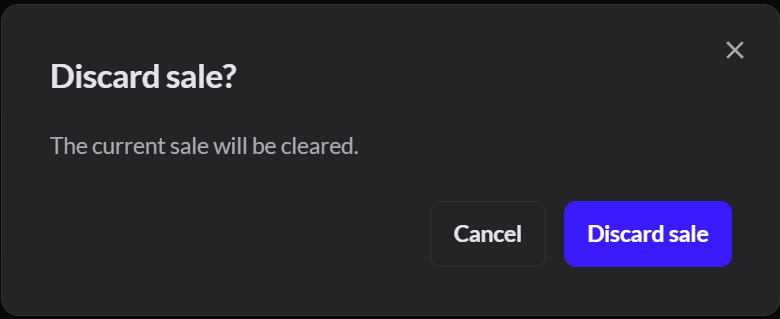
If you discard a parked sale, it's voided. It stays in Sales history as voided and can't be continued.
Cancel a restaurant order
Open the order and click Actions at the top of the order. What you see depends on whether anything was sent to the kitchen.
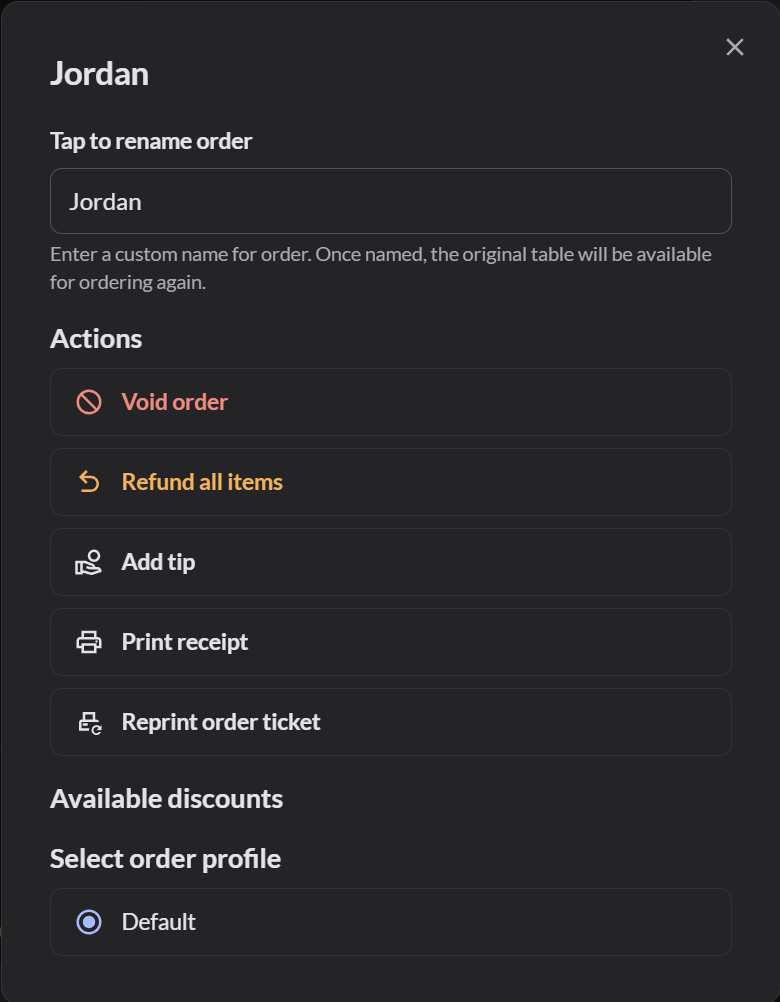
| What's on the order | Click | What happens |
|---|---|---|
| Items you haven't sent | Clear unsent items | The unsent items are removed. Sent items stay |
| No items left | Cancel order, then Yes | The order is cleared |
| Items sent to the kitchen | Void order | Pick a reason and click Void order. Every sent item is voided |
To void only one item that was sent: How to void a sent item
If it doesn't work
- More actions… is grayed out: the sale is empty, or a payment was already taken. On Pay, type the payment as a negative number (for example -2) and choose the same payment type. Then discard the sale.
- "Payments have been taken on this order": remove the payments on the payment screen first, or finish the order.
- "Your role does not allow: Line voids": ask a manager to void the order.
- "No void reasons yet": an Admin has to add one. How to set up refund and void reasons