Connect a customer display
Who: cashier or manager. Cashiers can do this unless an Admin has turned it off. When: you want customers to see their items and total on a tablet facing them.
Quick version
Sell › Customer display › Pair › scan the QR code with the tablet.
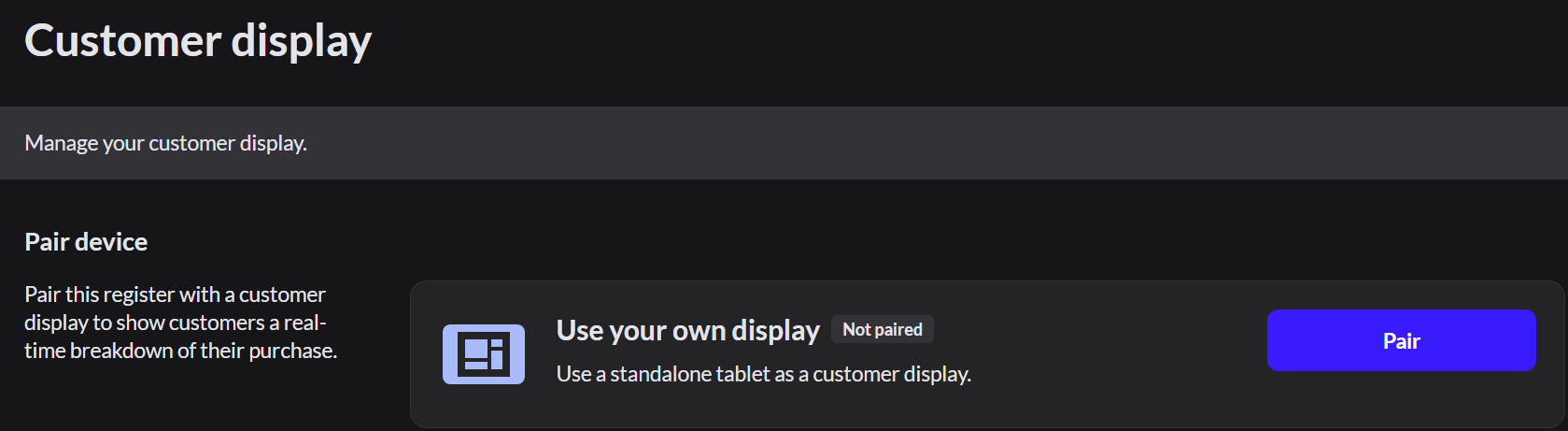
Pair a tablet
- On the register, go to Sell › Customer display and click Pair.
- On the tablet, scan the QR code.
- If the tablet can't scan, click or pair manually. Open the address shown on the tablet and type the 6-digit code. The code works for 10 minutes.
The register says Your customer display is paired. The tablet shows Welcome, then the customer's purchase during a sale.
Keep the tablet charged and on Wi-Fi, and turn off its sleep and auto-lock.
To stop using it, click Disconnect.