Open the register
Who: cashier or manager. Cashiers can do this unless an Admin has turned it off. When: once, before the first sale of the day.
Quick version
Sell › Open register › type the cash in the drawer › Open register › Sell.
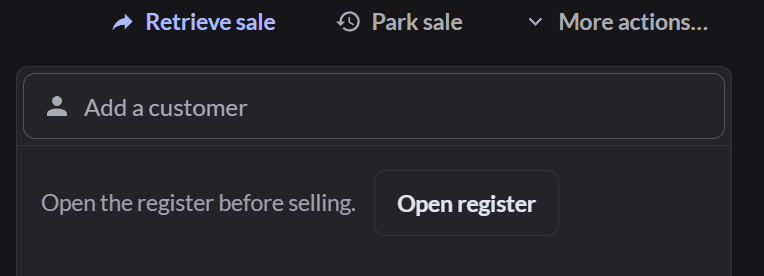
1. Click Open register
On the Sell screen, the right side says the register is closed.
2. Enter the opening float
The opening float is the cash in the drawer before any sales. Count it and type the total. You can also add a note.
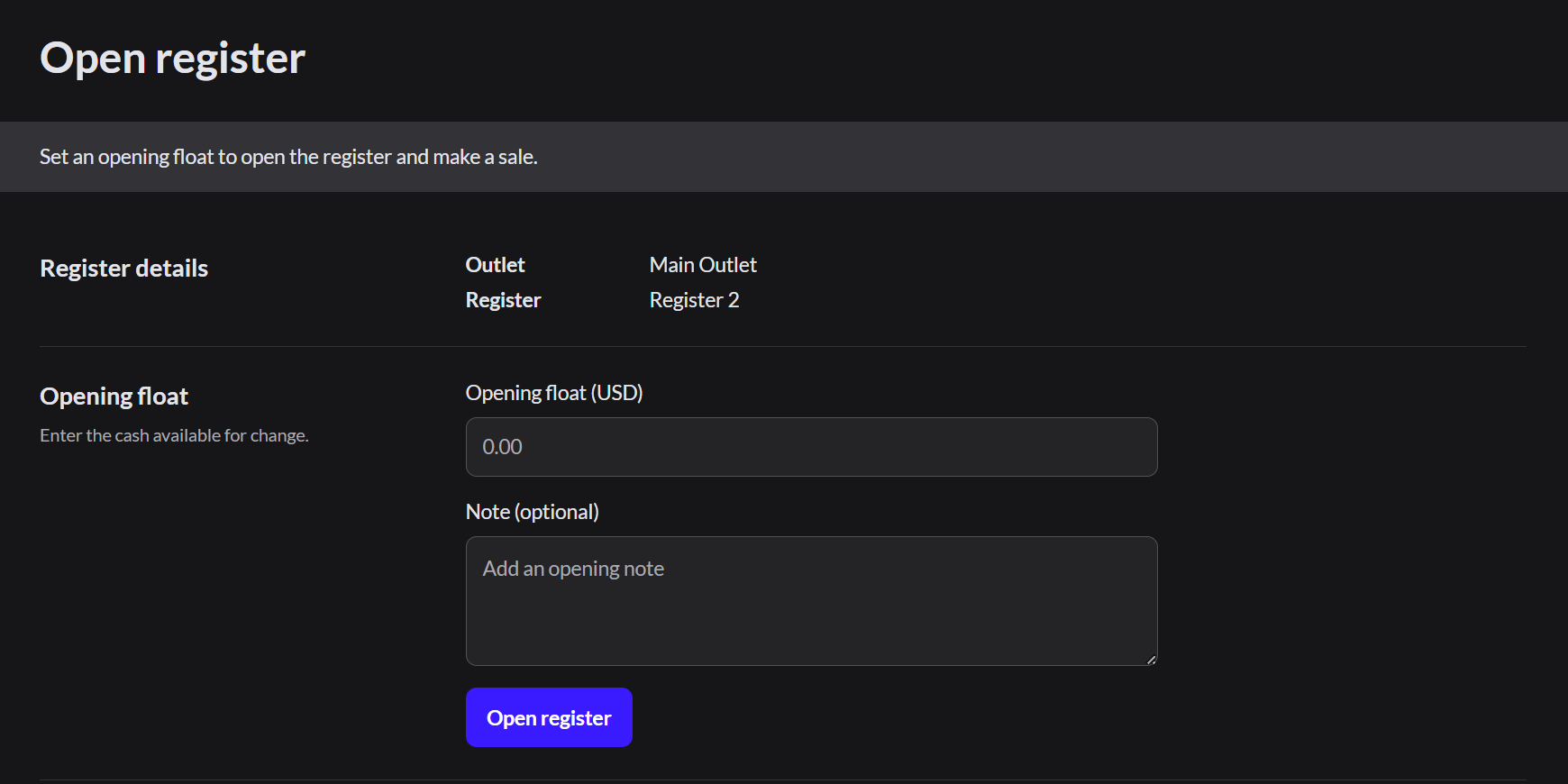
3. Click Open register
The Pay button becomes available. Click Sell to start selling.
The register stays open all day. Cashiers who take over later don't open it again. Instead, they switch user.Switch user and sign out
If the register won't open: ask a manager whether the last shift was closed.