Notes, allergens and production instructions
Who: manager or Admin. When: staff keep typing the same notes for the kitchen, or an item always needs a question answered, such as how a burger is cooked.
Saved notes and allergens show as buttons staff can tap on an order or an item. A production instruction is a question the order screen asks every time an item is tapped. Instructions have no price. For extras with a price, use modifier groups.Modifier groups
Quick version
Catalog › Production instructions › Add › Note, Allergen or Production instruction › Save.
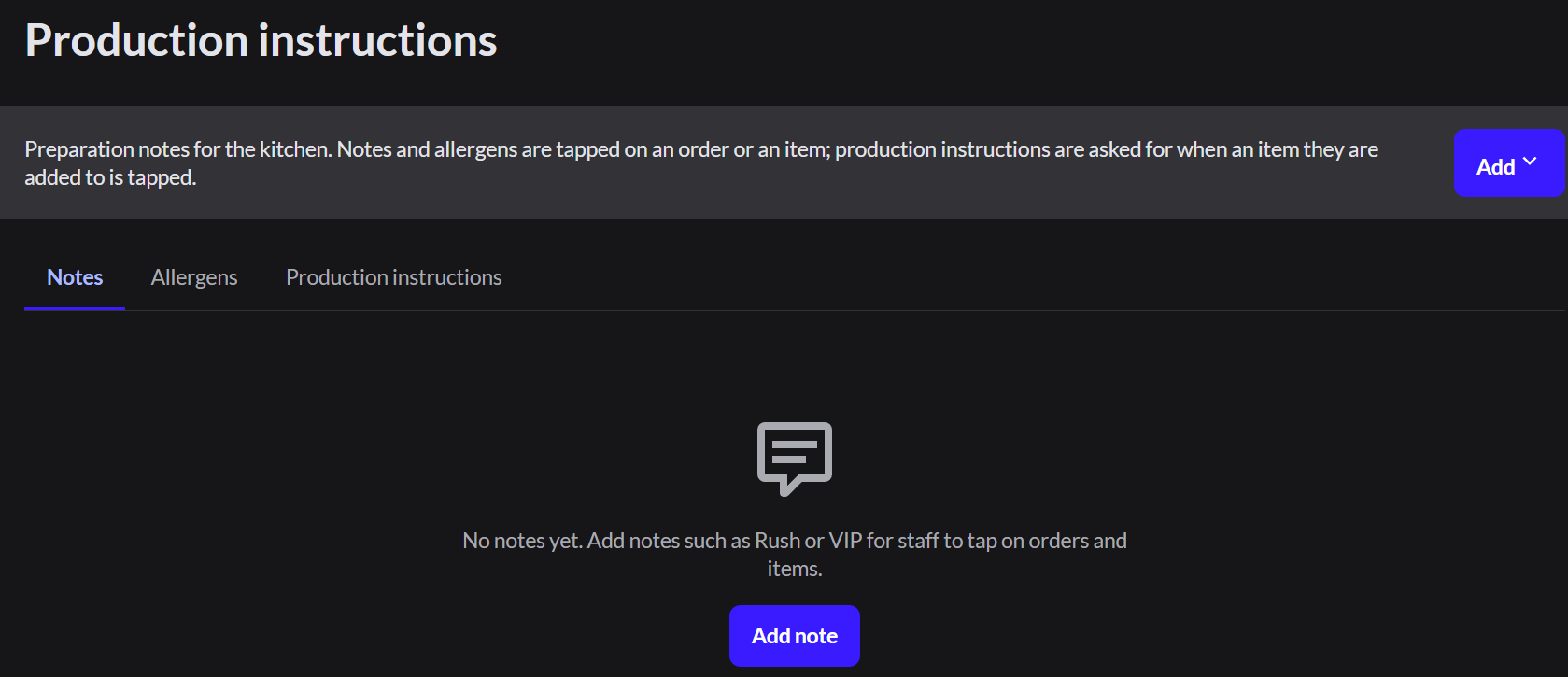
Add saved notes
- In Restaurant mode, go to Catalog › Production instructions and open the Notes tab.
- Click Add, then Note.
- Type each note, such as Rush. Select Show on order ticket to print it for the kitchen.
- Click Save.
Add allergens
- Open the Allergens tab and click Add, then Allergen.
- Type each allergen, such as Peanuts, and click Save.
Add a production instruction
- Open the Production instructions tab and click Add, then Production instruction.
- Type a Name, such as Toppings.
- Choose Single choice or Multiple choice.
- Click Add choice for each choice, such as No onions.
- Under Items, click Add items and choose the items that ask this question.
- Click Save.
An item can have production instructions or modifier groups, not both.
Staff use them on the order screen. How to change an order